
Best NAS for Small Business Backups
The best NAS for small business backups and file sharing in 2026, from 2-bay Synology to 8-bay picks, plus drives and a 3-2-1 backup plan.
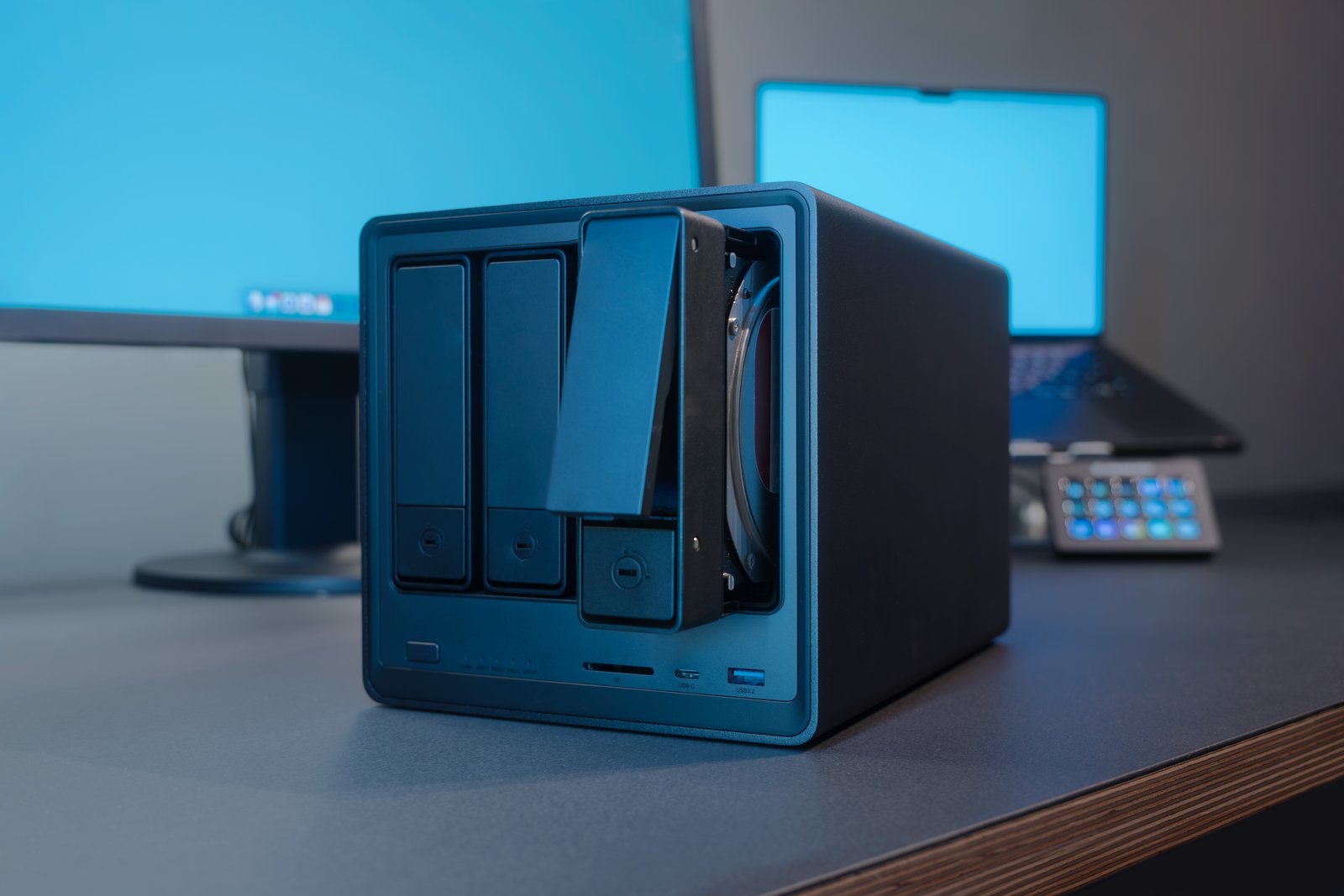
The best NAS for small business use depends on your team size, how much data you hold now and how fast it is growing.
A NAS (network attached storage) holds shared office files and computer backups on your network, without per-user cloud storage fees.
Here are five Synology, QNAP and UGREEN options, compared by bays, processor, memory and network speed. Drive choices and backup planning matter too.
Quick picks
- Best overall: Synology DS925+. Four bays, expandable to nine, with ECC memory and two 2.5GbE ports.
- Best for a small office: Synology DS225+. A compact two-bay box for very small teams.
- Best value for speed: UGREEN DXP4800 Plus. Four bays, 8 GB of DDR5 and a 10GbE port.
We may earn a commission if you buy through links on this page. It never changes our verdicts. How we review.
Synology DS925+
Synology DS225+
UGREEN DXP4800 Plus
Specs come from maker specifications and Amazon UK listings checked on 2 November 2026, cross-checked against roundups from Android Authority, Dong Knows Tech and ComputingForGeeks. Selections are not paid placement. See how we review.
Small business NAS compared
| NAS | Bays | CPU | RAM | Network | M.2 slots | Drives | Best for |
|---|---|---|---|---|---|---|---|
| Synology DS225+ | 2 | Celeron J4125 | 2 GB (to 6 GB) | 1GbE + 2.5GbE | No | Check Synology list | Small office |
| Synology DS925+ | 4 (9 with DX525) | Ryzen V1500B | 4 GB ECC | 2x 2.5GbE | 2 | Check Synology list | Best overall |
| QNAP TS-464-8G | 4 | Celeron N5095 | 8 GB | 2x 2.5GbE | 2 | Any NAS drive | Flexibility |
| UGREEN DXP4800 Plus | 4 | Pentium Gold 8505 | 8 GB DDR5 | 10GbE + 2.5GbE | 2 | Check UGREEN list | Value speed |
| Synology DS1825+ | 8 | Ryzen V1500B | 8 GB | 2x 2.5GbE | 2 | Check Synology list | Growing teams |
What to look for in a small business NAS
Start with four questions.
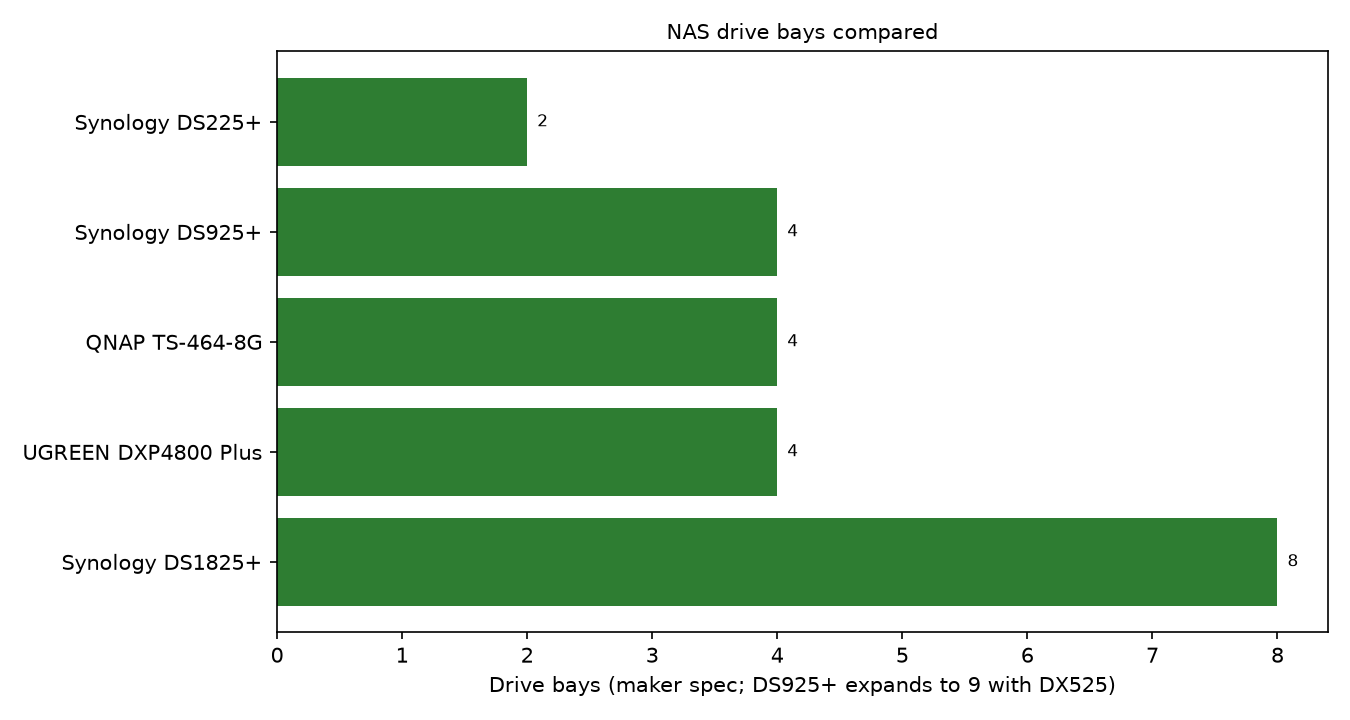
How many bays? More bays offer capacity and drive protection options. Two suit tiny teams, four suit most offices, and eight handle large or fast growing archives.
How fast is the network? All five have 2.5GbE, faster than the 1GbE common in offices. Your switch and computers must also support the speed. UGREEN adds 10GbE for heavier work.
How much memory? RAM helps with simultaneous users. The DS225+ has 2 GB; QNAP, UGREEN and DS1825+ have 8 GB.
Which drives can you use? Check Synology's compatibility list before buying. QNAP lets you use any brand of NAS drive, useful if you already own disks.
Four models also have two M.2 slots for fast solid state storage.
Synology DS925+: best overall
The DS925+ suits most small offices. Its four bays expand to nine with a DX525 unit, allowing growth without replacing the NAS.
An AMD Ryzen V1500B runs alongside 4 GB of ECC (error correcting code) memory, designed to detect and correct memory errors.
It has two 2.5GbE ports, two M.2 slots and a three-year warranty. Synology asks buyers to consult its compatibility list before buying hard drives and recommends its own Synology drives.
Good for: growing offices seeking a mainstream, well known platform.
Think about: check Synology's drive compatibility list before buying disks.
Synology DS225+: best for a small office
For sole traders and very small teams, the DS225+ avoids paying for unused bays.
Its two bays support drive mirroring, protecting files against one disk failure. Inside are an Intel Celeron J4125 and 2 GB RAM, upgradable to 6 GB.
Connections include 1GbE and 2.5GbE, but no M.2 slots. Check Synology's drive compatibility list.
Good for: small teams storing documents, accounts and backups.
Think about: two bays limit expansion.
UGREEN DXP4800 Plus: best value for speed
The DXP4800 Plus offers this list's fastest connection: 10GbE alongside 2.5GbE.
That suits large video, design and project files, provided the rest of your network supports 10GbE.
An Intel Pentium Gold 8505, 8 GB DDR5, four bays, two M.2 slots and HDMI complete the package. Its software is newer than Synology's or QNAP's.
Good for: teams moving large files who want strong hardware for the money.
Think about: 10GbE needs compatible network equipment.
QNAP TS-464-8G: most flexible
The QNAP TS-464-8G works with any brand of NAS drive, giving businesses more hardware choice.
It combines four bays, an Intel Celeron N5095 and 8 GB RAM, twice the DS925+ amount. There are two 2.5GbE ports, two M.2 slots and a PCIe slot.
Good for: offices reusing NAS drives or choosing their own.
Think about: its Celeron differs from the four-bay Synology's Ryzen.
Synology DS1825+: best for growing teams
The eight-bay DS1825+ suits businesses with substantial storage needs or rapid growth ahead.
It shares the DS925+'s AMD Ryzen V1500B, but has 8 GB RAM. Two 2.5GbE ports and two M.2 slots are included. Check Synology's drive compatibility list.
Good for: larger teams with heavy storage demands.
Think about: most small offices do not need eight bays initially.
Drives to put in it
Most NAS listings exclude disks. On a Synology, check Synology's compatibility list first; Synology recommends its own drives. The NAS drives below are general options for the QNAP and UGREEN, not approved Synology drives.
Common options are the WD Red Plus 8TB (CMR, 128 MB cache, 5,640 rpm class, rated for 180 TB a year, three-year warranty) and the Seagate IronWolf 8TB (CMR, 256 MB cache, three-year warranty plus Rescue data recovery).
WD Red Plus
Seagate IronWolf
Check your NAS maker's compatibility list before buying. Buying drives together helps match capacities for mirroring or RAID.
NAS is not a backup on its own
A NAS can withstand one drive failure, but not fire, theft, flooding, widespread accidental deletion or ransomware reaching its files.
Follow the 3-2-1 rule:
- 3 copies of your important data.
- 2 different types of storage, such as a NAS and an external drive.
- 1 copy off site, such as a cloud backup or a drive kept somewhere else.
Many offices back up computers to a NAS, then copy its contents to an external drive and cloud service. See the best external hard drive for business backup.
Test restores regularly. An untested backup is not a reliable plan.
More advice is in backups and security.
FAQ
Is a NAS a backup?
Not alone. A NAS stores files and backups, but fire, theft or ransomware can destroy the only copy. Keep an off site copy and follow 3-2-1.
How many drive bays does a small business need?
Two bays, as on the DS225+, suit a very small team with modest data. Four bays provide growth and protection options, as on the DS925+, TS-464-8G and DXP4800 Plus. Eight, as on the DS1825+, suit substantial data or fast growth.
Synology or QNAP: which is better for a small business?
Synology offers a tightly controlled platform and asks buyers to check drive compatibility. The QNAP TS-464-8G works with any brand of NAS drive and has 8 GB RAM.
Which hard drives should I use in a NAS?
Choose CMR NAS drives such as WD Red Plus or Seagate IronWolf, and check your NAS maker's compatibility list; for a Synology, check Synology's list, as it recommends its own drives. Matching sizes simplifies setup.
Can a NAS protect against ransomware?
It helps but offers no guarantee. Snapshots let you roll back encrypted files, yet ransomware can reach shared folders. Keep an off site or disconnected copy and test restores.
Choosing your NAS
For most small offices, the Synology DS925+ is the safest all round choice, expandable to nine bays. Smaller teams can choose the DS225+; for large transfers, consider the UGREEN DXP4800 Plus.
Add NAS drives, keep an off site copy and test recovery. Browse office tech and how we review.